
Overview
Deleting, or archiving, an order guide is a permanent action that removes the guide from the system and from your account. You cannot later retrieve an archived order guide.
Note: Screenshots shown were taken from the mobile app. However, all information in this article is applicable regardless of how you access the app: via mobile phone, tablet, or the desktop web portal.
Delete an order guide
- From the main navigation menu, select Place Order.

- Ensure the correct guide is first selected from the Order Guide dropdown menu, then select Edit.

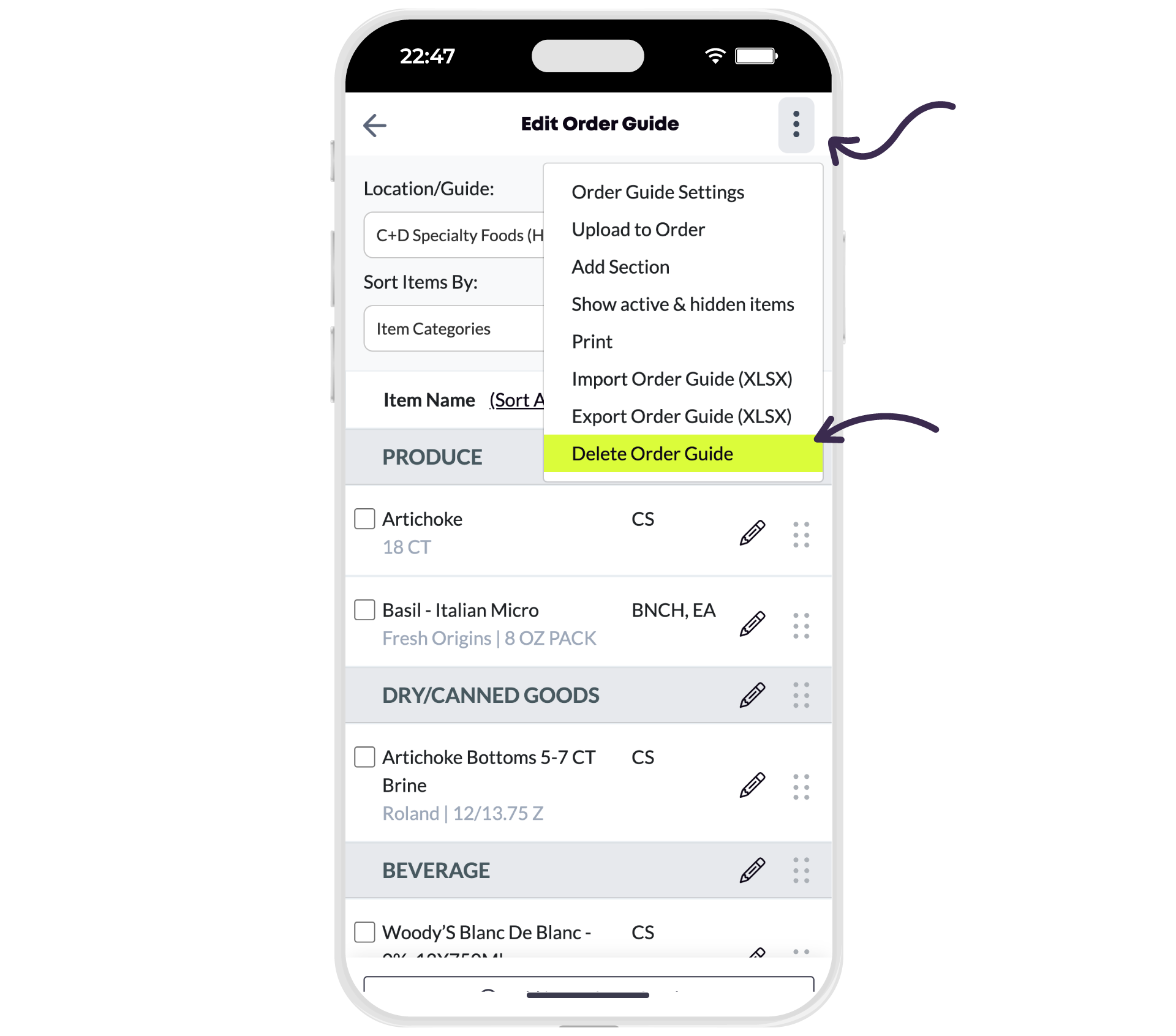
- Select More Options, then Delete Order Guide.
- Confirm by selecting Yes.

Comments
0 comments
Please sign in to leave a comment.